Your memories, backed up forever.
Your family, your travels, your most precious moments — PixiSafe backs them up simply, at home, with no cloud and no subscription.
A USB key and its companion app (iPhone and Android), designed to work together.
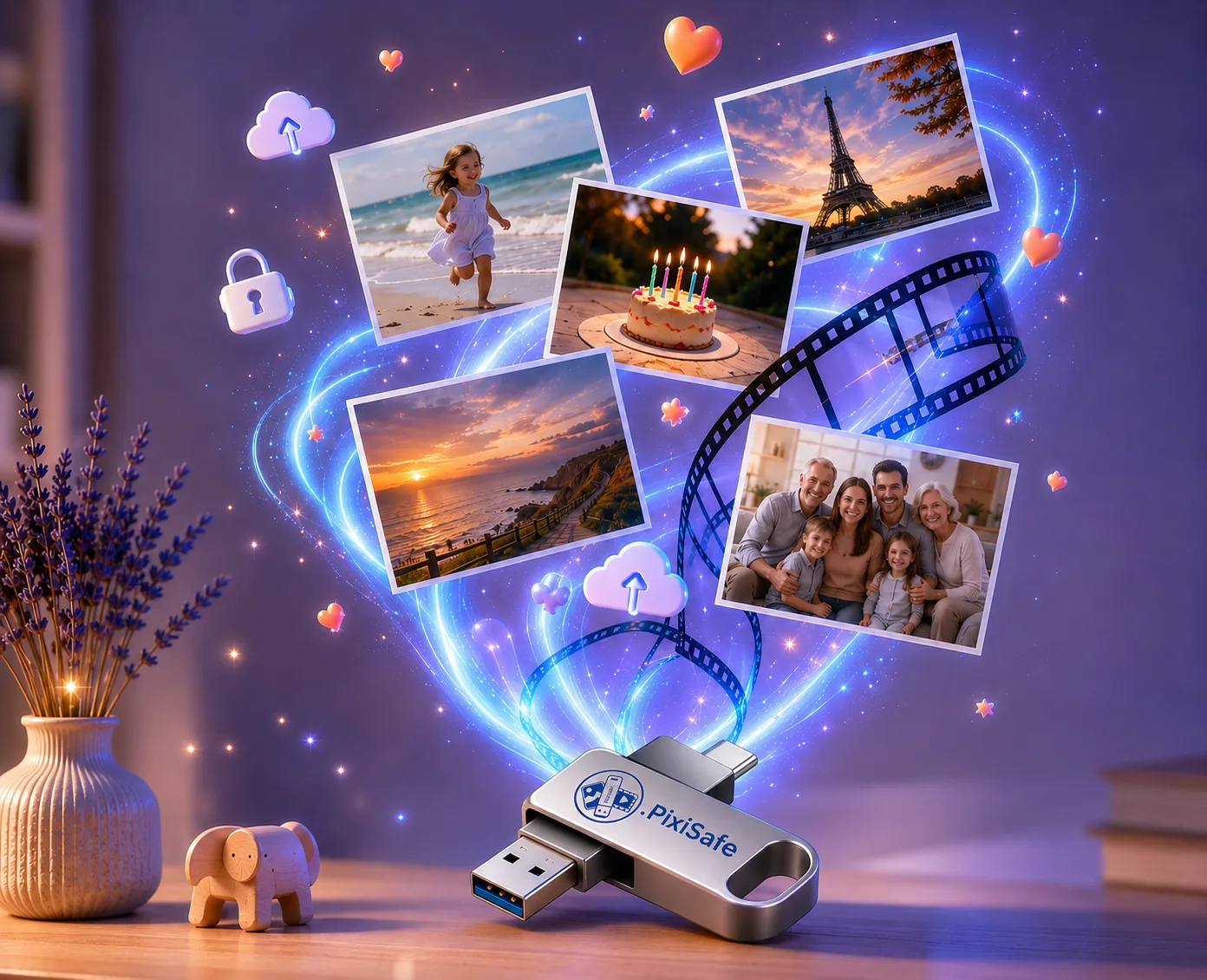
« Grâce à cette clé PixiSafe, toutes les photos et vidéos sont à l’abri. La sauvegarde directe depuis le smartphone c’est hyper pratique, et hop on peut les mettre sur l’ordi aussi. J’ai pu libérer plein de place sur mon iPhone 😇 Vraiment génial ! »
« Application très simple d'utilisation et vraiment pratique. Le téléchargement sur la clé est simple et intuitif. Je recommande ! »
« Application efficace et très simple à utiliser. J’ai transféré toutes mes photos et vidéos sur une clé USB sans difficulté. Le transfert est rapide. Je recommande sans hésiter. »
Avis 5 étoiles sans commentaire.
Avis 5 étoiles sans commentaire.
« Top ! Je recommande ces clés 👏🏼 »
« Ultra simple avec PixiSafe : télécharger l'application, brancher la clé et cliquer sur démarrer ! Et voilà vos souvenirs bien sauvegardés ! Livraison et service super rapide, je recommande ! »
« Très bonne application. La sauvegarde des photos et vidéos sur une clé USB est simple, rapide et ne nécessite aucun abonnement. Tout est bien organisé et l’application est facile à prendre en main. C’est exactement ce que je cherchais. »
One lost phone
and everything can vanish.
Today, our most precious memories live on a single device. A dropped phone, a breakdown, full storage — and years of precious moments evaporate.
PixiSafe gives you a safe copy, kept at home.
Your memories exist in duplicate, on a key of your own — safe from the phone, the cloud and subscriptions.
Why choose
PixiSafe?
A solution designed to be simple, fast and reassuring — no technical skills required.
A story, and a standard.
I created PixiSafe with one simple idea: letting everyone keep their memories safe. Seeing families around me lose their photos and videos when changing phones or running into a problem, I wanted to offer a simple, accessible solution.
Backing up your memories has become complicated: accounts to create, endless subscriptions, cables, software, settings… So we put it off — until the day it's too late.
I wanted a solution I could recommend without hesitation to my own parents, my friends, my family: simple, reliable, no forced cloud, no subscription, within everyone's reach. Plug in, tap, it's backed up.
And a backup is only worth something if you can actually use it. On the key, your photos and videos are sorted by year and month: plug it into a PC or a Mac and everything opens straight away, with no software to install and no password to remember. Enough to look back on a family summer, copy part of it, or simply check that it is all there.
And if one day you lose your phone, it breaks, or you replace it, the app puts everything back: it copies your memories from the key to the new device, skipping whatever is already on it. That day is exactly why you back up.
Today, everything is ready: the key, and our iPhone and Android apps, now available on the App Store and Google Play.
Thank you for your trust.
Your memories deserve to be backed up.
Mathieu
Founder of PixiSafe
PixiSafe is designed and developed by a French company, on the French Riviera, with a single priority: making sure your memories are never lost.
Choose the capacity that suits you.
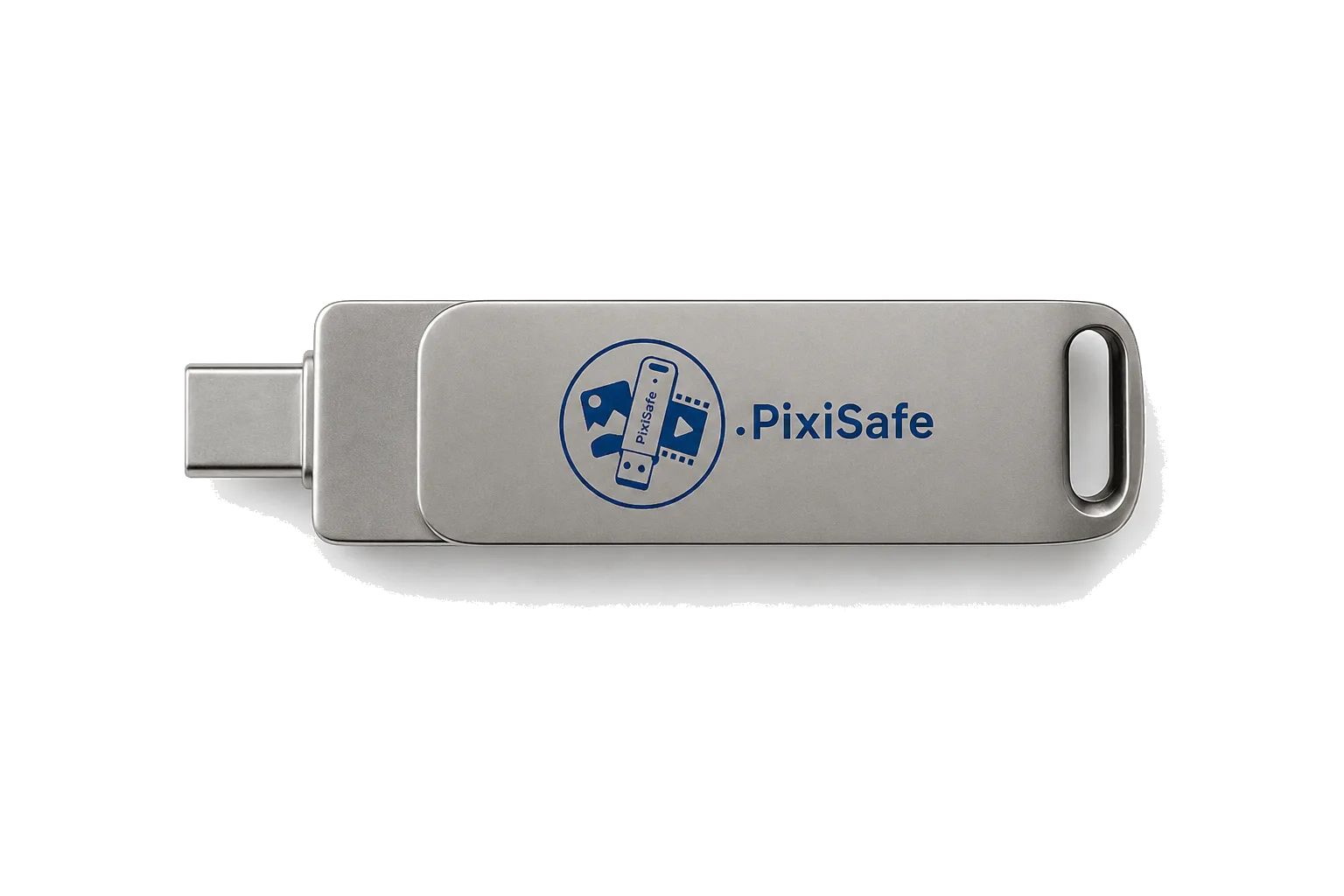
Which capacity should you choose?
Not sure which capacity? Here's a simple guide based on your memories.
≈ 25,000 photos, or 25 hours of HD video.
≈ 50,000 photos, or 50 hours of HD video.
≈ 100,000 photos, or 100 hours of HD video.
Look at how much space your photos and videos already use on your phone:
- iPhone — Settings → General → iPhone Storage → “Photos”
- Android — Settings → Storage → “Images” and “Videos”
Tip: pick the capacity just above to keep room for your future memories.
Centralise everything.
Back up everything.
The PixiSafe key works with its companion app, available on the App Store (iPhone, iOS 17+) or Google Play (Android). It backs up, organises and restores your files with ease.
- Incremental backup — never copies the same file twice
- Automatic sorting by year, month and type (YYYY/MM/Photos)
- Restore media from the key back to the phone
- Several keys managed (iOS) — when one key is full, the next takes over
- Works with no internet, no account, no cloud
Keep control
of your data.
More and more people refuse to depend on cloud subscriptions, limited storage and external servers.
- No subscription
- Data at home
- Works offline
- Physical backup
- Monthly payment
- Depends on a server
- Internet required
- Risk of running out of space
Free up space
on your phone.
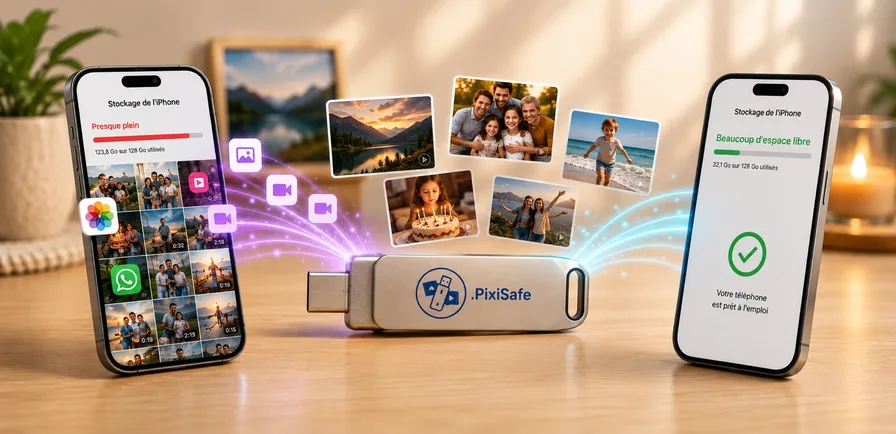
Photos, 4K videos, WhatsApp, holiday memories… Your storage fills up fast.
Once your files are backed up on the key, you can free up space with peace of mind: your memories are already safe.
Reminder: before deleting a photo or video from your phone, check that it is safely on the key.
Full storage, slow apps, no room for new photos and videos.
Your photos and videos are safe on the key — you can free up space with peace of mind.
An object designed
for what you love.
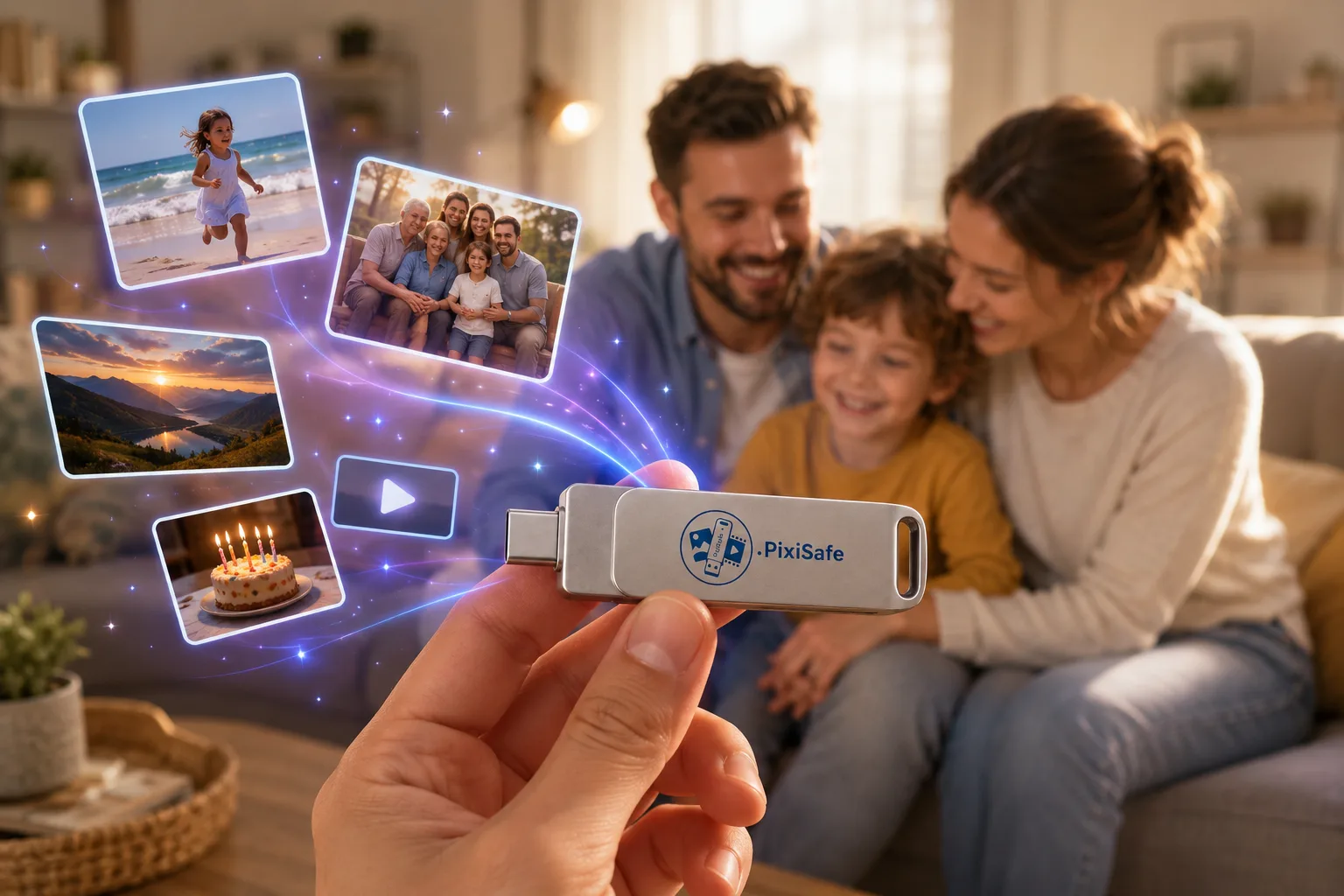
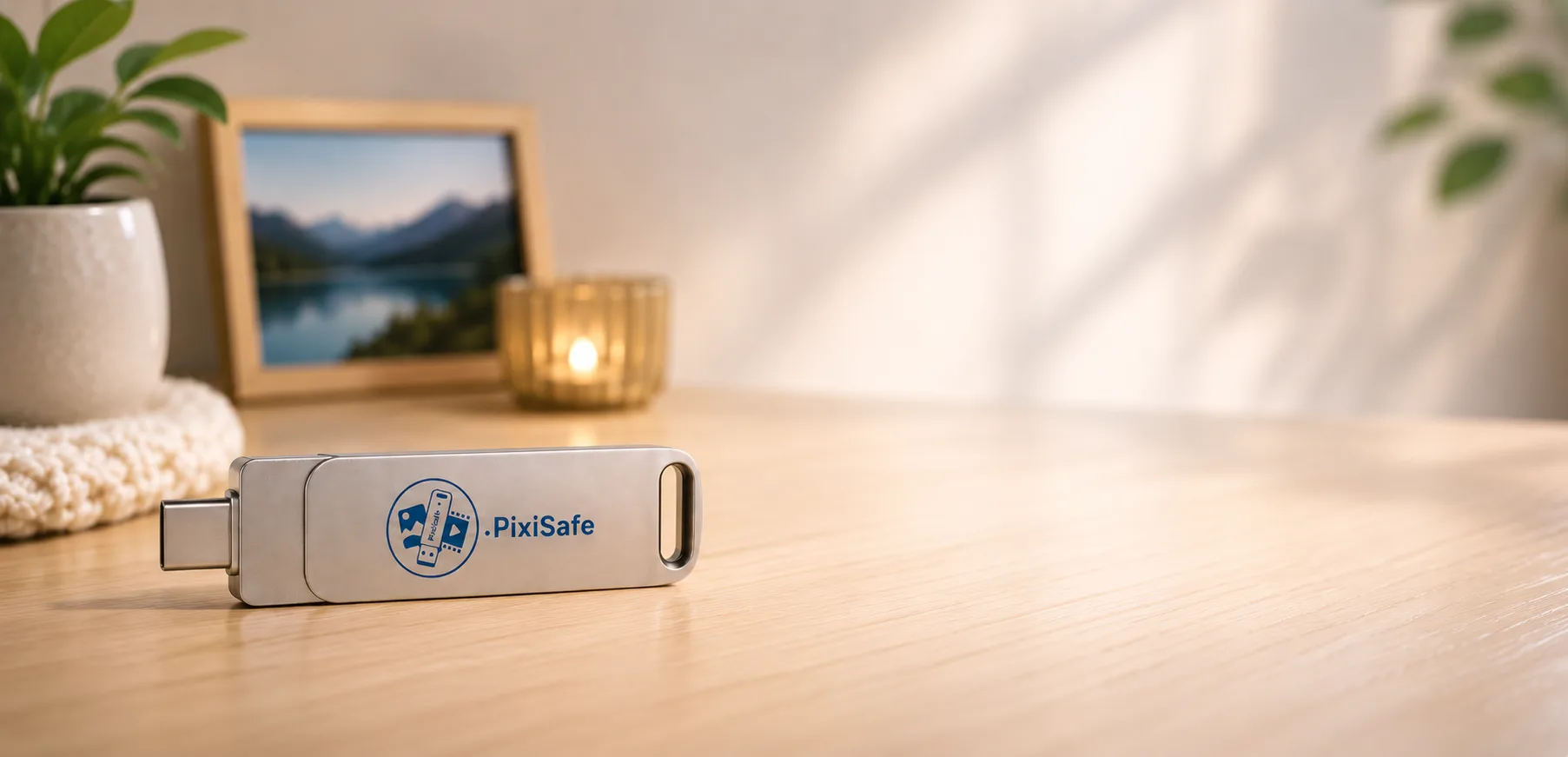
Discreet, elegant, designed for everyone — so backing up your memories becomes as easy as an everyday gesture.
Frequently asked questions.
Compatibility
Is it compatible with iPhone?
Is it compatible with Android?
Can I plug the key into a PC or a Mac?
Can I view the photos and videos on a Windows computer?
Can I view the photos and videos on an Apple computer?
Everyday use
Is it easy to use?
Can I back up videos?
On iPhone, can I back up a specific album from my gallery?
On Android, can I back up a specific album from my gallery?
If my photos are compressed on my iPhone, do I still get them in HD?
Privacy / how it works
Is my data sent over the internet?
Do I need a subscription?
Does the key have a password?
Are photos stored in iCloud or Google Photos backed up?
- iCloud (“Optimise iPhone Storage”): yes, automatically. Even if your iPhone only keeps a lightweight version, PixiSafe fetches the full-quality original from iCloud during the backup — without ever asking for your iCloud password. Just keep Wi-Fi on while the originals download.
- Google Photos: bring them back first. PixiSafe backs up what's in your iPhone's Photos app. Photos kept only in Google Photos (removed from the phone) must first be re-downloaded in original quality into the Photos app, then start the backup to the key.
Managing your photos and your key
What happens when my key is full?
Should I keep another copy of my photos and videos?
Troubleshooting
My USB key is no longer detected on Android after formatting on Mac or PC — what should I do?
On PC, Windows offers to scan/repair the key or reports errors. Is it serious?
Guides to download
Clear instructions, to print or keep on hand.
Your finest moments,
kept for life.
Your photos, your videos, your finest moments — backed up at home, ready to share with those you love.
* “Satisfied or refunded” within 14 days (right of withdrawal). Learn more. The 2-year warranty covers any product defects.
How does it work?
Back up your memories,
simply, in 3 steps.
Connect PixiSafe to your phone via USB-C, or with the Lightning adapter (optional) for iPhone 14 and earlier.
Allow access to your photos and videos, choose your key and start the backup.
Next time, the key is recognised automatically and only new files are copied.
iOS version